Decommissioning Legacy Systems Without Creating New Risks
Switching a system off is the easy part. Retained records, orphaned accounts, stale DNS and the forgotten integration that breaks at month-end are where decommissioning goes wrong.
GuardsArm Team
Security Experts
Hospitals accumulate systems. A replaced EHR, a retired lab system, an imaging archive from two vendors ago — each still powered on because somebody might need a record from 2014, and nobody owns the decision to switch it off. These are among the most dangerous assets on the network: unpatched, unmonitored, frequently still domain-joined, and holding real patient data.
Retention is the blocker, so solve it first
The reason these systems stay alive is almost always record retention. Somebody must be able to produce a 2014 chart for a subpoena, an audit or continuity of care. Until that need is met another way, the system cannot be switched off — and no amount of security pressure will change that.
Three ways to meet it, in descending order of preference:
| Approach | Good for | Watch out for |
|---|---|---|
| Migrate into the current system | Structured, clinically relevant data | Fidelity loss; validate a sample against the source |
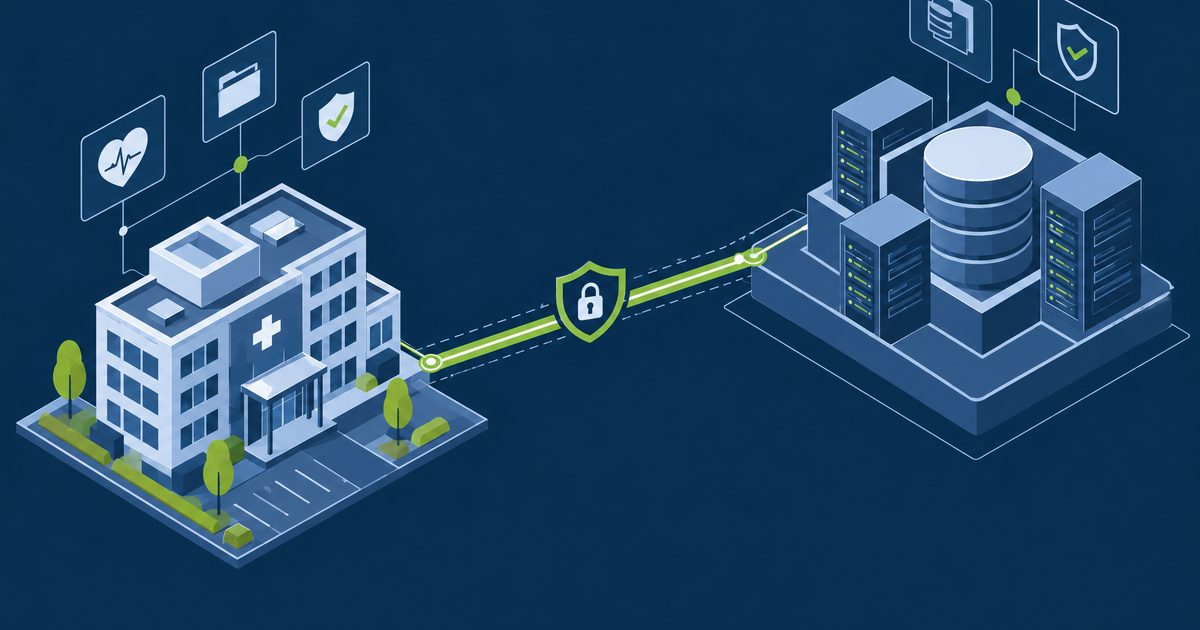
| Archive to a read-only store | Bulk historical records | Must remain searchable and producible, not just stored |
| Keep the system, fully isolated | Last resort where data cannot be extracted | Now a permanent control burden — treat it as such |
Whichever you pick, validate before you switch anything off. Pull a statistically meaningful sample of records from the archive and confirm against the live system that nothing was lost or mangled. Do this while you can still compare.
The cleanup nobody sequences
Switching off the server is one line in a checklist with twenty.
The cleanup step is the one that leaves security debt when it is skipped:
- Service accounts the system used, often with high privilege and a password that never expires — these outlive the system and are excellent attacker targets
- Certificates issued to it, which should be revoked rather than left to expire
- DNS records pointing at an address that will be reassigned, creating a subdomain-takeover opportunity
- Firewall rules and VPN access permitting traffic to a host that no longer exists
- Monitoring and backup jobs that will alert or fail forever
- Integration endpoints in interface engines, still configured, still retrying
- Licences and support contracts still being paid for
Finding the dependencies you do not know about
Documentation will be wrong. Use evidence:
- Network flow data over a full business cycle — who actually connects
- Authentication logs — which accounts still sign in, and from where
- Interface engine configuration — inbound and outbound message routes
- Scheduled jobs and reports across the estate that reference the host
- The soak period itself, which is the most reliable discovery mechanism there is
A read-only soak of four weeks, with a banner telling users where to go instead, finds the quarterly process that no inventory captured.
Disposal, done properly
For physical media holding PHI, a delete is not a disposal. Use cryptographic erase where the drive supports it, or physical destruction, and obtain a certificate of destruction naming the serial numbers. For cloud storage, confirm the provider's deletion semantics and that snapshots and backups are included — these are routinely missed and quietly retain the data you believe you destroyed.
Record all of it. An auditor asking what happened to the old lab system wants a documented chain, not a recollection.
GuardsArm supports clinical system decommissioning, including dependency discovery and validation of archived records before shutdown. Book a scoping call.
Written by GuardsArm Team
Our team of cybersecurity experts brings decades of combined experience in penetration testing, compliance auditing, and incident response. We're dedicated to helping organizations strengthen their security posture.
Take the next step on “Decommissioning Legacy Systems Without Creating New Risks”
Talk to the GuardsArm team about how these services apply to your environment.