
Findings reach the people who can actually fix them
Security routinely finds things other teams own. Delivery into their queue is what gets those closed, rather than re-running the argument about logging into another console.

Push findings wherever your team already works.
The platform is complete on its own. The integrations exist for organisations with a destination they do not intend to replace.
What is at stake
A finding that only exists somewhere the responsible team never looks will appear in the post-incident review with a timestamp proving it was known.
Security routinely finds things other teams own. Delivery into their queue is what gets those closed, rather than re-running the argument about logging into another console.
Scheduled reports generated from the same records the console shows means the monthly pack stops consuming a day and stops diverging from the underlying data.
Where the organisation has a log platform it intends to keep, forwarding makes the platform a contributor rather than a competing destination — which is often what makes adoption politically possible.
Who carries this
Security owns the finding; platform, infrastructure and IT own the fix. This module is about the handoff between them.
The problem
Security teams routinely find things that other people have to fix. A vulnerable package belongs to the platform team. A misconfigured bucket belongs to whoever built it. An account anomaly belongs to IT. In each case the finding is complete and the action is somebody else’s.
Those people do not log into the security console, and asking them to is a losing argument that gets re-run every quarter. A finding that only exists somewhere the responsible team does not look is functionally undetected. It will appear in the post-incident review with a timestamp proving it was known.
The second case is organisational rather than operational: plenty of companies have a log platform they are not going to replace, and a security team that is one contributor to it. Forwarding exists for both situations. The platform is complete on its own — the integrations are for destinations you do not intend to give up.
Detection that does not reach the person who can fix it is documentation of an incident, not prevention of one.
Capabilities
Incidents and alerts forward to email, Splunk via HTTP Event Collector, syslog in CEF format, and chat or webhook destinations.
Findings reach the ticketing system the owning team already works from, which is what makes them get closed rather than read.
Reports generate on a schedule and export as PDF, alongside the report center and generated reports in the console.
Encryption and authentication throughout, with per-tenant isolation and field-level controls, so forwarding respects tenant boundaries.
Native index lifecycle management bounds storage, and snapshot-based backup covers disaster recovery.
How it fits the platform
Forwarding matters most where a security team is not the only consumer. A finding that reaches the platform owner’s queue gets actioned; one that only exists in a console they do not open does not.
Destinations
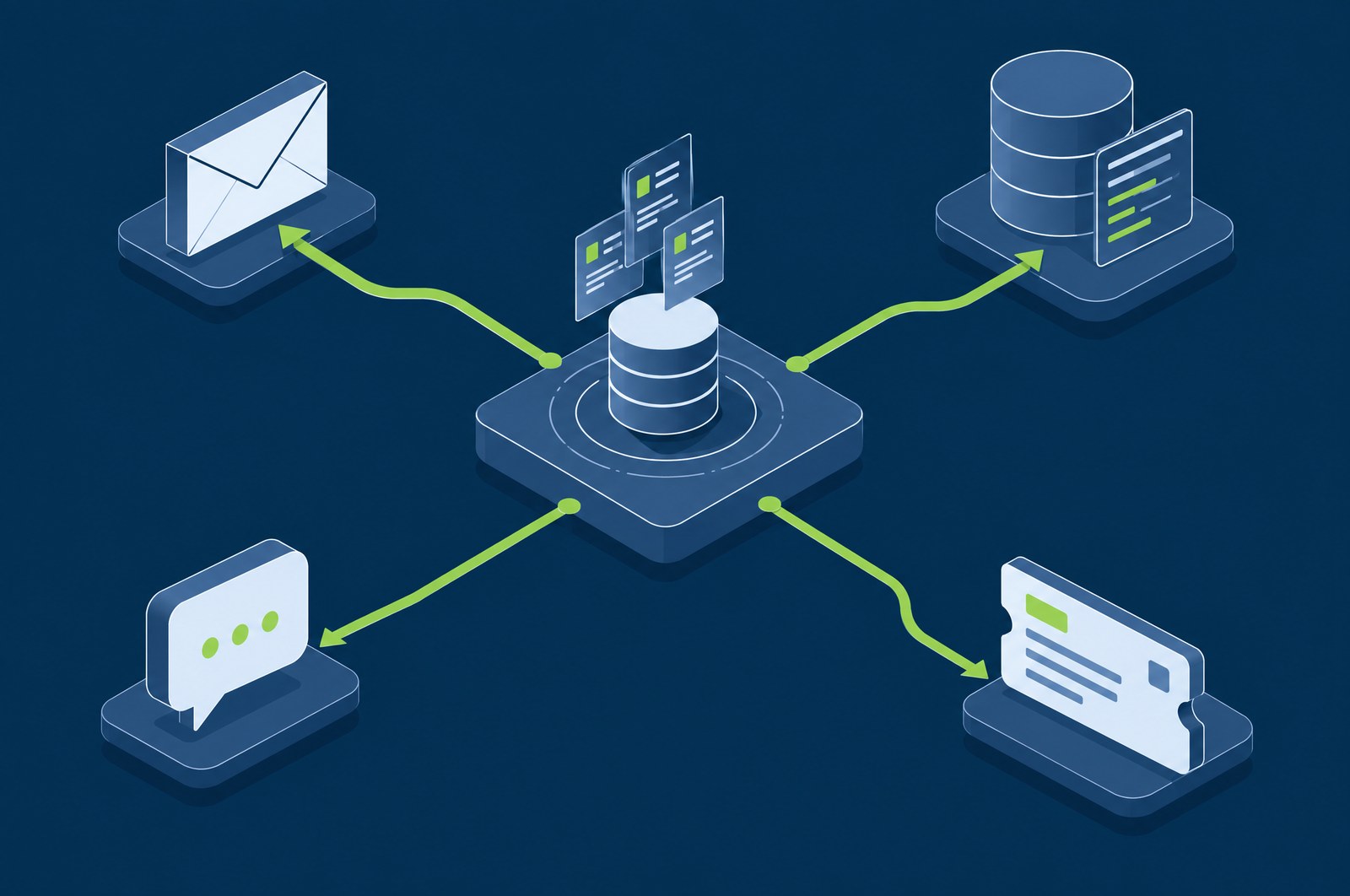
Five outbound paths. Between syslog CEF and a generic webhook, most remaining destinations are reachable without a bespoke connector.
| Destination | Format | When you would use it |
|---|---|---|
| Notification | On-call notification and summary distribution to people who will not be logging into a console. | |
| Splunk | HTTP Event Collector (HEC) | Where Splunk is the organisational system of record and the security team is one contributor to it rather than its owner. |
| Syslog | CEF | The universal fallback. Anything that ingests syslog — an existing SIEM, a log archive, a managed service — takes CEF. |
| Chat and webhooks | Webhook payload | Where the team already works. A webhook also reaches anything with an HTTP endpoint, which covers most of what is left. |
| Ticketing | Ticket creation | Where the team who must act is not the security team. A finding in their queue gets closed; one in a console they do not open does not. |
How it works
With the tenant boundary applied before anything is formatted, not after.
Forwarding draws on the same findings and incidents the console shows, with the same severity band and ATT&CK mapping. What arrives downstream is not a different or reduced record.
Per-tenant document-level security and field-level controls govern what may be forwarded, so an MSP forwarding on behalf of one customer cannot leak another into the same destination.
HEC for Splunk, CEF for syslog, a webhook payload for chat and HTTP endpoints, a ticket for ticketing. The destination dictates the shape rather than the other way round.
TLS and authentication throughout. Outbound forwarding is the one place a self-hosted deployment deliberately sends data outside itself, which makes it the one place the transport warrants attention.
The report center produces generated and scheduled reports as PDFs on a timetable, for the audiences who need a document rather than a feed.
Routing
The useful configuration is rarely to forward everything everywhere. It is to send each class of finding to the people who act on that class.
Data handling
Self-hosting means these are your decisions. The platform supplies the mechanisms rather than making them on your behalf.
Rollover and retention policies age data out on a schedule you set, so your own infrastructure stays bounded without anyone pruning it by hand.
Disaster recovery through index snapshots. Worth planning during deployment rather than after, because self-hosting means the recovery story is yours.
Restrictions on individual fields in addition to document-level tenant security — so a role can be granted a record without being granted every attribute on it.
Applied across your own infrastructure rather than at the perimeter only. In a self-hosted deployment the internal network is not a trust boundary, and the platform does not treat it as one.
Background
Plain explainers on the underlying ideas, written for someone evaluating rather than buying.
Questions
Yes. Incidents and alerts forward to email, Splunk via HTTP Event Collector, syslog in CEF format, and chat or webhook destinations, plus ticketing integrations.
Yes — scheduled reports and PDF generation are built in, alongside the report center and generated reports in the console.
No. Forwarding exists so findings can reach wherever a team already works. The platform is complete on its own; the integrations are for organisations with an existing destination they do not intend to replace.
Works with
Every module runs in the same self-hosted stack and shares the same telemetry, severity model and response engine.
We will walk through the console, the deployment model and what it takes to stand it up in your environment.