
Coverage across known files, resident files and fileless execution
Three paths with blind spots of different shapes. The point is not thoroughness for its own sake — it is that the gaps do not line up.

Catch malware three ways.
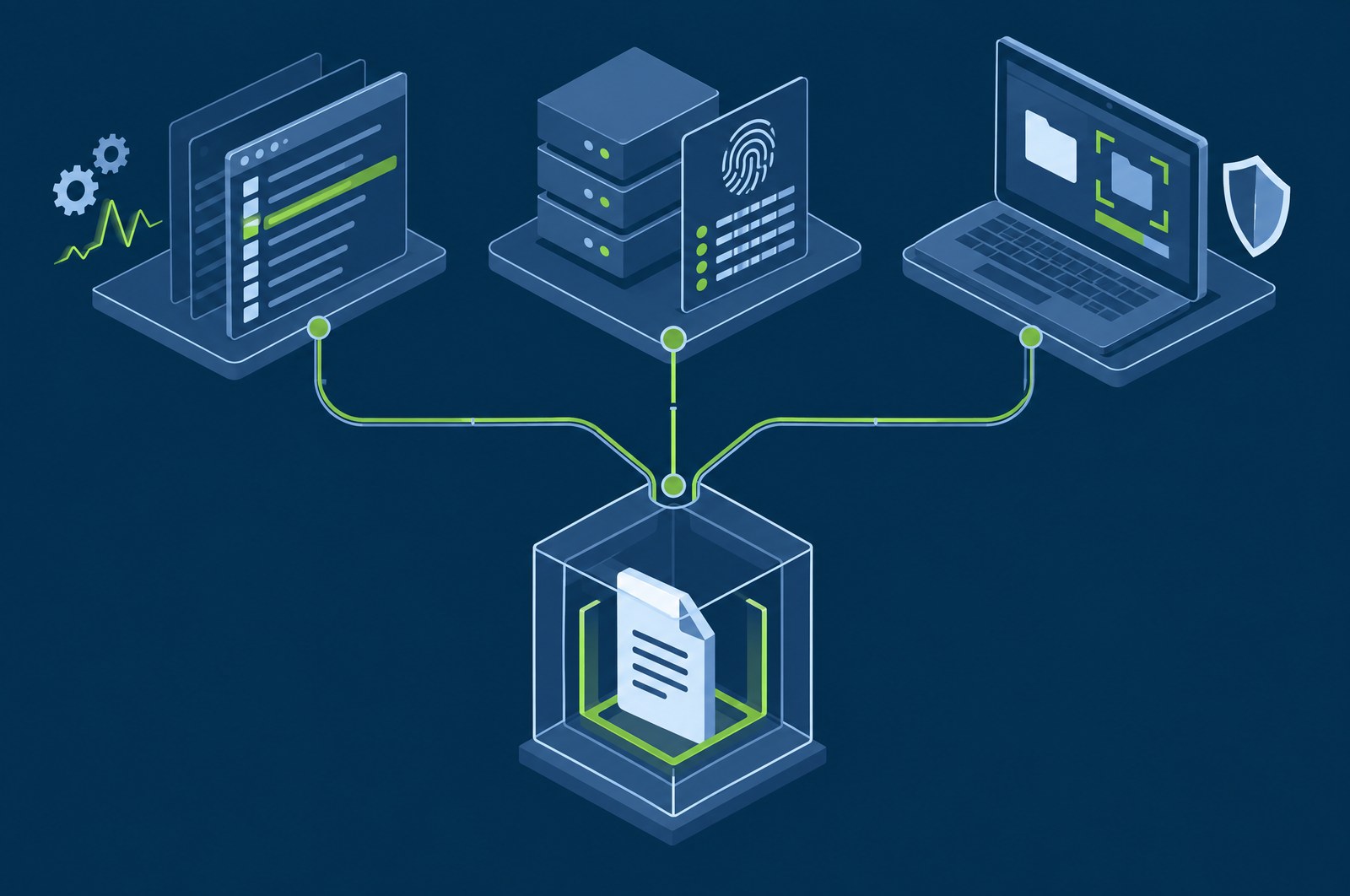
Signature scanning alone misses most of what matters. GuardsArm detects malware at the command line, at the file, and on the endpoint itself.
What is at stake
Every detection method has a well-understood blind spot, and a single-method approach is a decision about which attacks you are willing to miss.
Three paths with blind spots of different shapes. The point is not thoroughness for its own sake — it is that the gaps do not line up.
On-endpoint analysis keeps a potentially sensitive file where it is. For regulated and air-gapped operators, detection that depends on uploading a file somewhere is simply not adoptable.
Because it is an ordinary finding, it inherits the same severity model, ATT&CK mapping and containment actions — rather than living in a separate antivirus console with its own workflow.
Who carries this
SOC and incident response, with the data-handling property mattering most to whoever signs off on your privacy and residency position.
The problem
Signature scanning finds known files. It does not find a payload that was decoded in memory, nor a legitimate system binary doing something it should not, nor a script that never touched disk in recognisable form. Pattern matching on execution finds those, and in turn misses the dormant known-bad file sitting in a share waiting to be opened.
Reputation checking is the cheapest high-confidence verdict available and is useless against anything new. Each method has a well-understood blind spot, and the blind spots are not the same shape, which is the entire argument for running more than one.
GuardsArm runs three paths, all of them on the endpoint. That last detail matters more than it sounds: detection that requires uploading a suspect file somewhere is not available to an air-gapped deployment, and is a data-handling decision everywhere else.
The point of three detection paths is not thoroughness. It is that their blind spots do not overlap.
Capabilities
YARA matching against process and command-line activity, which catches execution that never writes a distinctive file.
Hashes of changed files checked against threat intelligence and malware databases as part of file integrity monitoring.
YARA scanning runs on the endpoint and reports into a dedicated Malware Center with quarantine controls.
How it fits the platform
All three paths report into the same detection pipeline, so a malware finding carries the same severity model, ATT&CK mapping and response options as any other alert.
The three paths
| Path | What it catches | How it works |
|---|---|---|
| Command-line and process YARA | Malicious execution, including fileless activity | YARA rules evaluate process and command-line content as it runs, which catches payloads that never settle on disk in a recognisable form. |
| FIM-hash file reputation | Known-bad files arriving or changing | File integrity monitoring produces a hash on change; the hash is checked against threat-intelligence sources and malware databases for a reputation verdict. |
| On-agent YARA scanning | Malicious files resident on the endpoint | YARA runs on the agent against files where they sit. Nothing is uploaded anywhere to be examined, and hits feed the Malware Center with quarantine controls. |
All three run on the agent. No file is transmitted off the endpoint to be analysed.
How it works
A malware finding is an ordinary finding, which is what gives it the platform's response options rather than an antivirus product's.
All three paths run on the agent itself. On-agent evaluation is what makes this usable in an air-gapped deployment and what means suspect files never leave the host they were found on.
A malware hit is a finding like any other: same 0–15 severity level, same band, same ATT&CK mapping, same queue. It is not routed to a separate antivirus console.
A dedicated console area holds YARA hits with quarantine controls attached, which is where file-level work happens once an analyst has decided a finding is real.
Quarantine the file, kill the process, isolate the host, block the address — the same tiered active-response engine, with the same approval gates and safelists.
A malware finding alongside persistence, credential access or mass file modification assembles into an incident. The file is the artefact; the sequence is the attack.
Terms
A rule language for describing and matching patterns in files and process memory. The standard tool for expressing "this family of malware looks like this" in a form a scanner can execute.
Activity that executes without writing a recognisable payload to disk — frequently through a scripting host or a legitimate system binary. File scanning alone misses it, which is why command-line and process evaluation is a separate path here.
The console area where on-agent YARA hits land, with quarantine controls. It is the file-level working surface, distinct from the alert queue where the finding first appears.
There is no detonation sandbox in the platform. Detection is YARA-based matching plus hash reputation, performed on the endpoint. That is a deliberate boundary and worth stating plainly rather than leaving implied.
Background
Plain explainers on the underlying ideas, written for someone evaluating rather than buying.
Questions
Not only. There are three paths: YARA matching against process and command-line activity, file reputation on hashes through file integrity monitoring, and on-agent YARA scanning. The first catches execution that never writes a distinctive file.
Yes. On-agent YARA scanning reports into a Malware Center with quarantine controls.
No. Detection is YARA matching, file reputation and on-agent scanning rather than sandbox detonation. Worth saying plainly, since sandboxing is commonly assumed to be part of any malware feature.
Works with
Every module runs in the same self-hosted stack and shares the same telemetry, severity model and response engine.
We will walk through the console, the deployment model and what it takes to stand it up in your environment.