
Credential-based attacks become visible
Identity activity is watched as an attack surface rather than retained for compliance and never read. That is the difference between discovering account compromise and discovering it months later.

Detect identity-based attacks across your directories and cloud identities.
Identity is where most intrusions now begin, and an attacker holding a valid credential passes every preventive control upstream. ITDR watches the identity layer specifically.
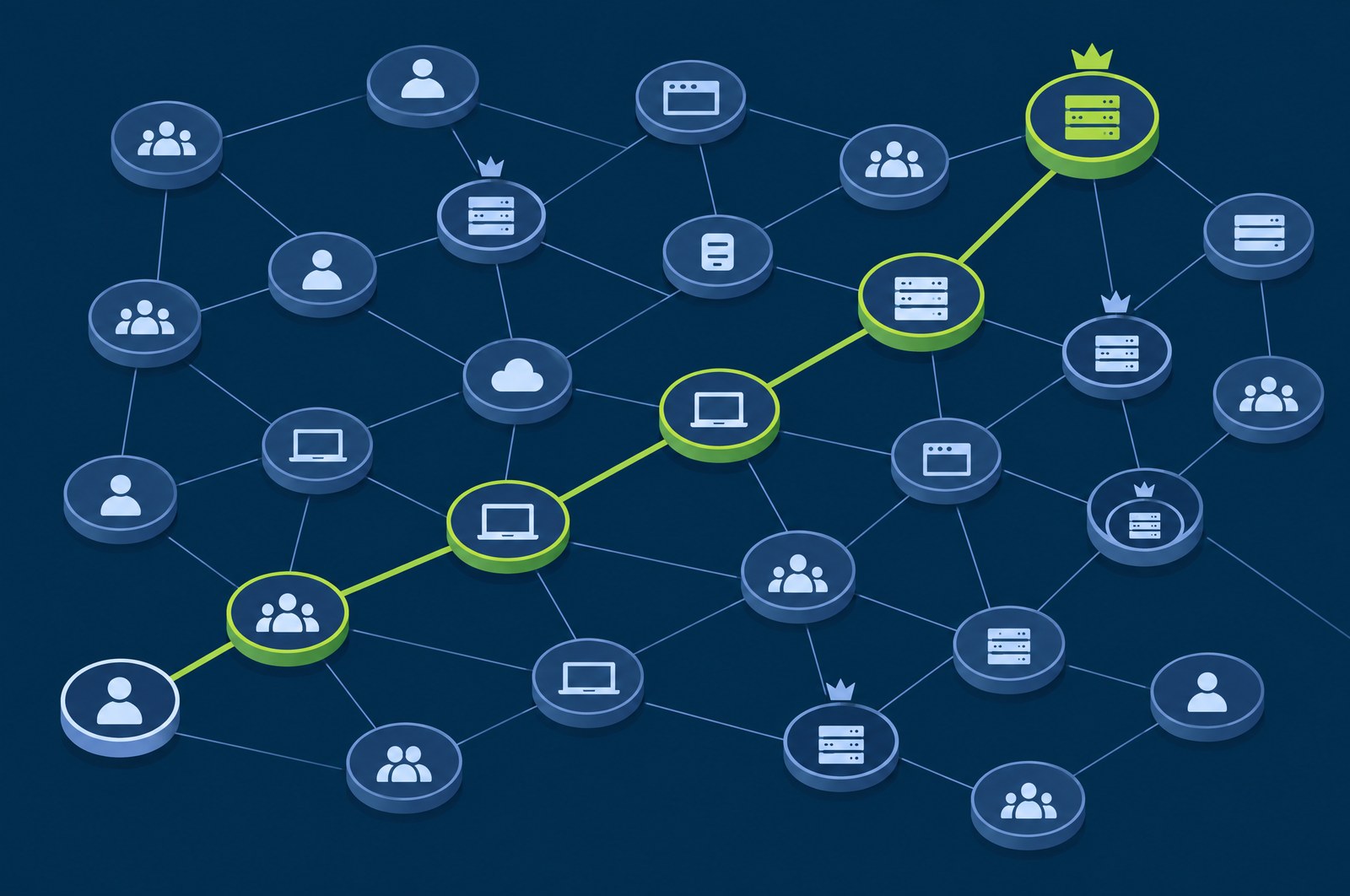
What is at stake
The intrusions that matter most often involve no malware at all — just valid credentials, used by the wrong person, invisible to endpoint tooling.
Identity activity is watched as an attack surface rather than retained for compliance and never read. That is the difference between discovering account compromise and discovering it months later.
A dedicated privileged-account view narrows attention to the subset where one compromise is an incident with executive consequences.
Credential access on a workstation and an unusual sign-in correlate into one incident, rather than two alerts in two queues that somebody has to notice are related.
Who carries this
Shared between IAM and the SOC — which is precisely why it works better as a module than as a separate tool with its own console and its own scoring.
The problem
Most intrusions that matter involve valid credentials at some point, and many involve nothing else. There is no malware to find, no exploit to detect, and no anomalous binary on disk — only a legitimate account doing legitimate things at a time, from a place, or at a scale that a human would find odd if a human were looking.
Endpoint tooling is largely blind to this. So is network monitoring. The signal lives in directory and cloud identity logs, which are voluminous, poorly standardised across providers, and routinely retained only for compliance rather than watched for attack.
The second problem is isolation. Identity products that run as their own tool produce identity alerts in their own queue, scored on their own scale. An identity alert that cannot be joined to endpoint activity is half an investigation, and the join is being done manually, under time pressure, by whoever is on shift.
The hard identity cases are not unauthorised access. They are authorised access by the wrong person.
Capabilities
Purpose-built detections for the identity layer, producing identity alerts scored 0–100 rather than folded into generic event noise.
Connect the directories and cloud identity providers your organisation actually uses, so the identity picture is complete rather than partial.
Act on an identity finding directly — the response set is identity-specific rather than borrowed from endpoint containment.
Overview, inventory, privileged accounts, alerts, timeline, response, connectors and compliance — the privileged account view being the one most organisations find uncomfortable reading.
How it fits the platform
Identity findings correlate with endpoint and network telemetry in the same engine, which is what turns "an unusual sign-in" and "credential material accessed on a workstation" into one incident instead of two unrelated alerts.
How it works
Five stages, with the fourth doing the work that a standalone identity tool cannot.
Ten connectors bring in directory and cloud identity activity — the authentication, authorisation and directory-change records that describe who did what. Connectors are configured in the console, in the Connectors tab.
Accounts, their privilege level and their behaviour baseline are maintained continuously. The privileged-account view matters most: it is the subset where a single compromise is an emergency rather than an incident.
Roughly twenty-five identity-focused detections evaluate the stream. Each produces an identity alert carrying a 0–100 risk score alongside the platform-wide severity band.
Identity findings enter the same correlation engine as endpoint and network telemetry. This is the step that distinguishes ITDR as a module from ITDR as a separate product — the credential-access-to-lateral-movement family spans both domains.
Nine identity response actions are available, subject to the same approval gates and safelists as every other response on the platform. Disabling an account is not something that should fire unsupervised by default, and it does not.
Detection output
Roughly twenty-five identity-focused detections feed the queue. What makes them workable is what travels with each one.
Scored on the identity dimension specifically, so an account can be flagged as risky on its own behaviour rather than only when it trips a host-based rule.
The same Info-to-Critical scale every other module uses, derived from the same 0–15 level. An identity High and an endpoint High are comparable, which is what lets one queue hold both.
Resolved against the identity inventory, so the first question an analyst asks — does this account matter — is already answered on the alert rather than after a lookup.
Nine identity response actions are available from the alert itself, gated by the same approval policy and safelists as the rest of the platform.
Cross-domain
These are the joins that only exist because identity is a module rather than a separate product.
The console
The identity console is built around the sequence an analyst actually follows rather than around the data model.
Background
Plain explainers on the underlying ideas, written for someone evaluating rather than buying.
Questions
Ten identity connectors cover the directories and cloud identity providers in common use. The practical test is whether the identity picture is complete, since a directory left unconnected is a blind spot rather than a partial view.
Nine response actions are identity-specific rather than borrowed from endpoint containment, so a finding can be acted on in the identity layer where it occurred.
Identity findings correlate with endpoint and network telemetry in the same engine. That is what turns an unusual sign-in and credential material being accessed on a workstation into one incident rather than two unrelated alerts.
Works with
Every module runs in the same self-hosted stack and shares the same telemetry, severity model and response engine.
Turn raw events into severity-graded, ATT&CK-mapped alerts — then connect them into real attacks.
ExploreAn on-prem AI analyst that triages, correlates and explains — using a local LLM, so your data never leaves your network.
ExploreOne platform, many customers, complete isolation.
ExploreWe will walk through the console, the deployment model and what it takes to stand it up in your environment.