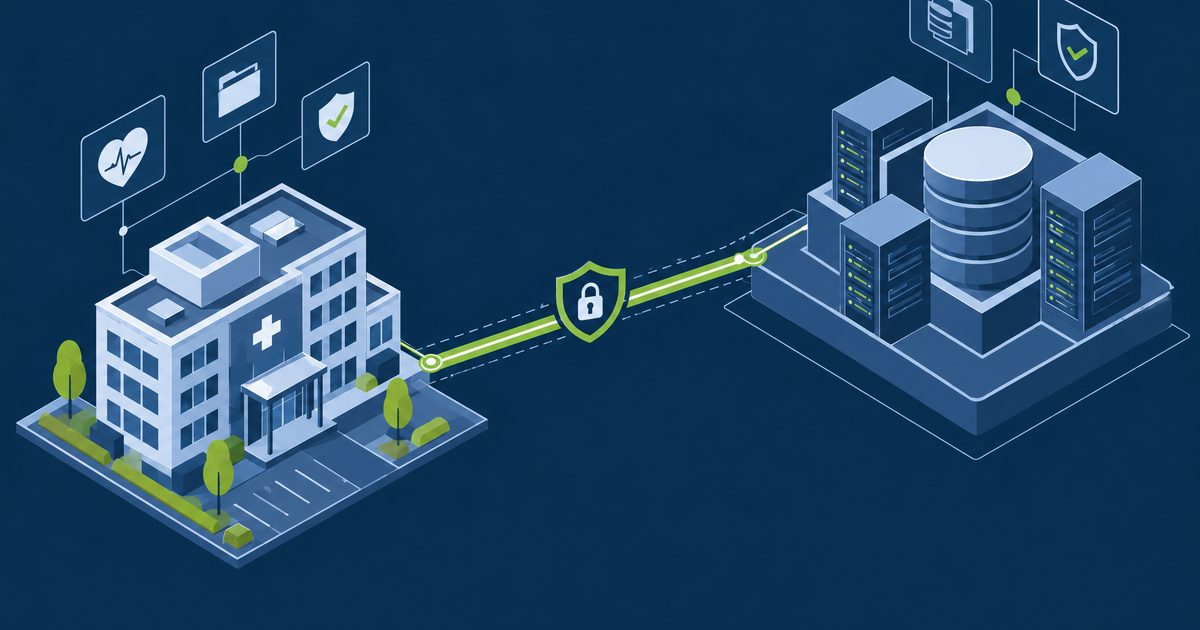
IoMT Security: Defending Connected Medical Devices
You cannot patch an infusion pump on Tuesday or install an agent on a CT scanner. Building the inventory with passive discovery, segmenting by clinical flow, and fixing the vendor remote access nobody inventoried.
GuardsArm Team
Security Experts
An infusion pump is a computer that can kill someone. That framing is not dramatic, it is the reason medical device security cannot be run like IT security: you cannot patch on Tuesday, you cannot reboot to apply an update, and you frequently cannot install an agent at all. The device is also likely to outlive three generations of the laptops around it.
The strategy that works is not "secure the device". It is "make the network around the device do the work the device cannot do for itself."
Start with an inventory you did not have
Almost every IoMT programme stalls at the first step, because nobody knows what is connected. Biomedical engineering keeps an asset register for maintenance and warranty; IT keeps one for networked systems; the two rarely reconcile, and neither reliably captures what the device talks to.
A usable inventory records, per device: make and model, operating system and version, network location, clinical criticality, what it communicates with, who owns it clinically, the vendor support status, and whether an MDS2 form exists.
Passive network discovery is the practical way to build this. Active scanning of clinical devices is genuinely risky — legacy medical equipment has been knocked offline by ordinary vulnerability scans, and on a therapeutic device that is a patient safety event, not an outage.
Segmentation is the primary control
Since you cannot harden the device, isolate it. The goal is that a compromised device can reach only what it clinically needs, and that a compromised workstation cannot reach the device at all.
Two rules make this tractable:
Allow-list by flow, not by device. Enumerate the conversations a device genuinely needs — a modality talks to the worklist server and the PACS, nothing else — and permit exactly those. Device-by-device firewall rules do not scale and drift immediately.
No internet egress by default. Most clinical devices have no legitimate reason to reach the internet. Where a vendor needs remote support, broker it through a jump host with time-limited, recorded sessions rather than leaving a permanent outbound path open.
Vendor remote access, the recurring finding
Manufacturer support connections are the most common serious gap. Typical pattern: a vendor installed a remote access tool during commissioning, it has a shared credential, it is always on, nobody is monitoring it, and the contract says you may not disable it.
The workable arrangement:
| Bad | Better |
|---|---|
| Always-on vendor VPN | Access opened on request, closed automatically |
| Shared vendor account | Named individual accounts, MFA enforced |
| Unmonitored session | Recorded session through a jump host |
| Permanent standing access | Time-boxed to the support window |
| Discovered during an incident | Inventoried, contracted and reviewed annually |
Put this in the purchase contract. Retrofitting it after installation means renegotiating from a weak position.
Patching under regulatory constraint
Manufacturers must validate patches for cleared devices, so you wait. That is a genuine constraint, not vendor foot-dragging — but it is bounded, and the manufacturer has postmarket cybersecurity obligations under FDA guidance.
What to do in the meantime:
- Track vendor advisories per device family and hold them to stated timelines
- Apply compensating controls — tighter segmentation, protocol filtering, increased monitoring — and document them as the risk treatment
- Record accepted risk formally with a clinical owner, not just an IT owner
- Feed end-of-support devices into the capital replacement plan; a device the manufacturer no longer patches is a budget problem, and framing it as a security problem is why it never gets funded
Monitoring that suits devices you cannot instrument
Without agents, detection is network-behavioural:
- A device communicating with a peer it has never contacted before
- Protocol anomalies — DICOM or HL7 that does not parse as expected
- Any outbound internet connection from a clinical zone
- Authentication attempts against a device's management interface
- A device appearing on a VLAN it does not belong to
GuardsArm builds IoMT inventories using passive discovery, designs clinical segmentation that biomedical engineering will actually sign off, and reviews vendor remote access arrangements. Book a scoping call.
Written by GuardsArm Team
Our team of cybersecurity experts brings decades of combined experience in penetration testing, compliance auditing, and incident response. We're dedicated to helping organizations strengthen their security posture.
Take the next step on “IoMT Security: Defending Connected Medical Devices”
Talk to the GuardsArm team about how these services apply to your environment.