Secure Remote Work for Healthcare Administration
Billing, coding, transcription and scheduling staff work from home with full access to patient records. Securing that without pretending they are on a ward.
GuardsArm Team
Security Experts
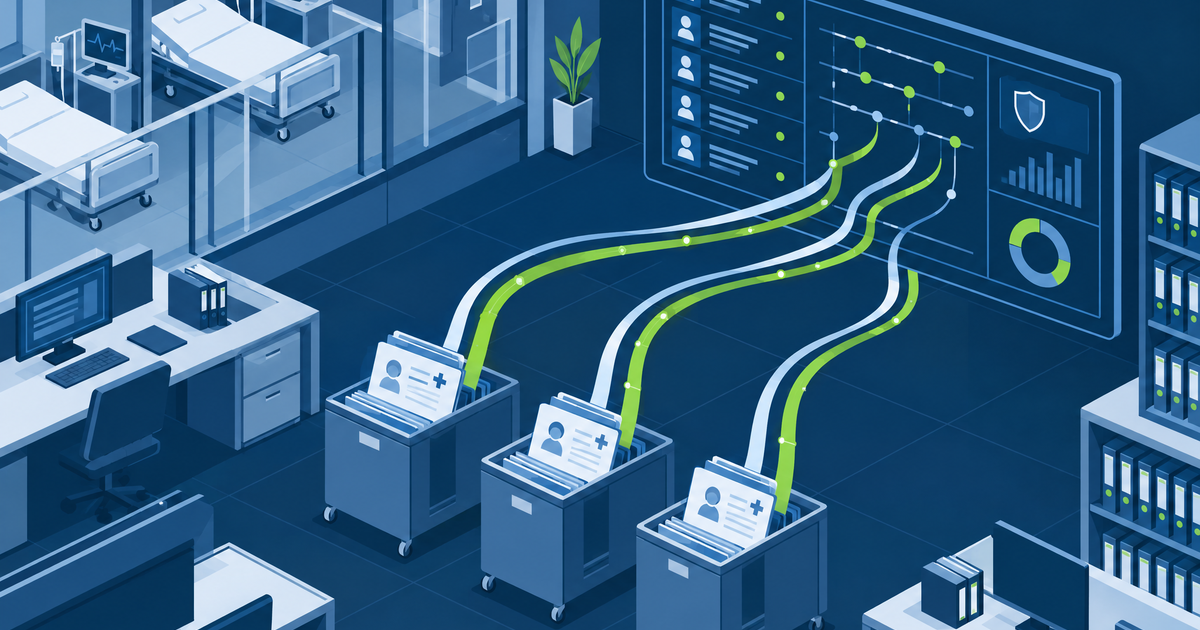
Clinical care happens on site. A great deal of everything else does not. Medical coding, billing, transcription, prior authorisation, scheduling and revenue cycle staff work remotely in large numbers, and they have exactly the access an attacker wants: bulk, routine, unremarkable access to patient records.
Managed device, or brokered access
There are two defensible models and one common mistake.
| Model | Suits | Requirement |
|---|---|---|
| Managed corporate device | Permanent staff | Full control: encryption, EDR, patching, policy |
| Brokered access from any device | Contractors, surge, offshore | VDI or a remote browser; no data lands locally |
| Unmanaged personal device with direct access | Nobody | Data on a device you cannot see, patch or wipe |
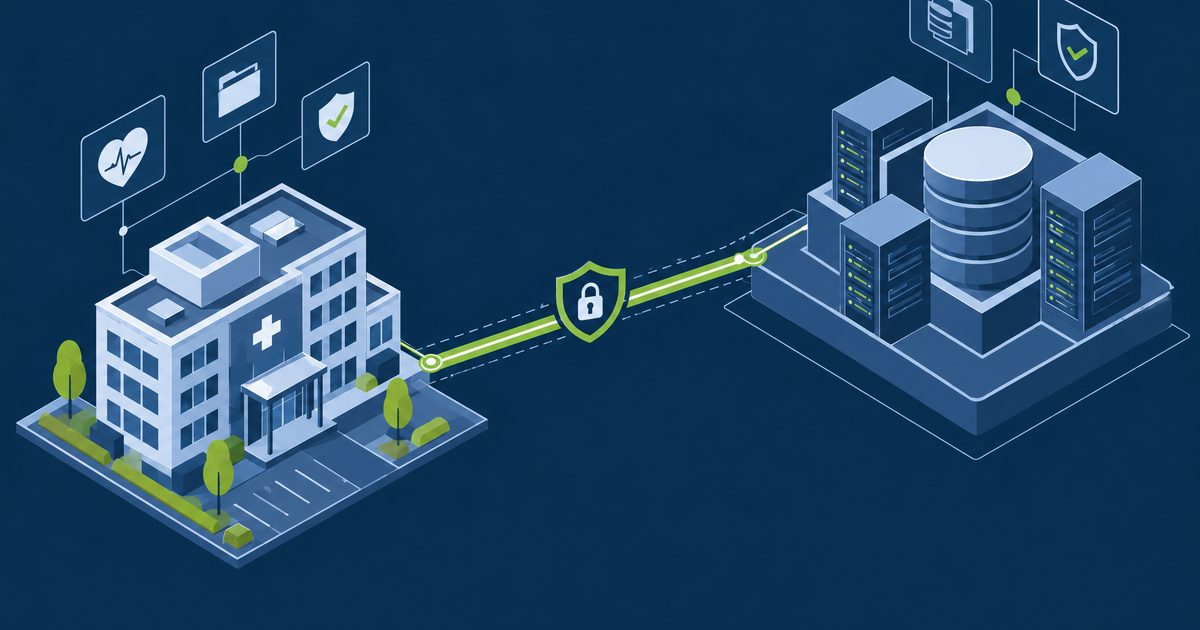
The brokered model is underused and fits healthcare administration well. If the work happens inside a published desktop or application, the local device never holds PHI, which changes both the risk and the offboarding problem entirely.
Verify posture, not just identity
MFA confirms who is connecting. It says nothing about the state of the machine. Conditional access should check:
- Device is managed and known
- Disk encryption on
- EDR present and reporting
- Operating system within a supported patch level
- Screen lock configured
- Location and impossible-travel signals
Fail these to a limited session rather than an outright block where possible — a coder who cannot work because their laptop patched overnight is a support call, and support calls under pressure produce exceptions.
The home environment, stated plainly
Policy should say what is expected, briefly and without pretending you can enforce it:
- Work in a space where others cannot see the screen
- Do not let household members use the work device
- Use headphones for calls involving patient information
- Printing patient information at home is prohibited unless explicitly approved
- Report a lost or stolen device immediately, at any hour
The printing rule matters more than it seems. Home printing is a real disclosure route with no audit trail and no disposal control, and it is usually driven by a workflow that is hard to do on screen. Fix the workflow if you find it.
Monitor what remote access looks like normally
Remote administrative roles have predictable patterns, which makes deviation visible:
Watch particularly the period around resignation — see insider threat monitoring.
Contractors and offshore teams
Much healthcare administrative work is contracted out, frequently across borders, and that changes the analysis:
- Brokered access only. Do not ship managed laptops to a third-party workforce you do not control; publish the application instead.
- Named individual accounts, even where the contract is with a firm. "The coding team" is not an identity.
- Data residency. Where PHI may be viewed from, and whether that is permitted, needs an answer before the contract starts, not after.
- BAA covering the arrangement, including any subcontracting.
- Offboarding via the vendor, with a contractual obligation to notify you when an individual leaves their team — otherwise the account persists.
- Access reviewed on the contract cycle, not only annually.
The pattern that fails is granting a block of generic accounts to a supplier and letting them allocate. You lose attribution entirely, which defeats both the audit requirement and any investigation.
Offboarding has to be immediate
Remote staff return no badge and walk past no one. Offboarding must be mechanical:
- Access disabled on the leave date, driven by the HR feed, not a ticket
- Sessions and tokens revoked, not merely the password changed — see SSO and session management
- Device return tracked, and remote wipe where it is not returned
- Confirm no local copies were retained where the model allowed them
GuardsArm assesses remote access models for healthcare administrative functions, including brokered access design. Book a scoping call.
Written by GuardsArm Team
Our team of cybersecurity experts brings decades of combined experience in penetration testing, compliance auditing, and incident response. We're dedicated to helping organizations strengthen their security posture.
Take the next step on “Secure Remote Work for Healthcare Administration”
Talk to the GuardsArm team about how these services apply to your environment.