Legacy Windows Endpoints: Containment Strategies When Upgrades Stall
The upgrade is blocked by a vendor, a budget or a clinical dependency, and the machine still has to run. Containing an endpoint you cannot fix.
GuardsArm Team
Security Experts
Every hospital runs Windows versions that stopped receiving patches years ago, usually because a clinical application or an attached instrument will not run on anything newer. The vendor has no upgrade path, the replacement is a capital project, and the machine is in daily clinical use. Telling the organisation to upgrade is not advice, it is a restatement of the problem.
What is available is containment.
Containment layers, in order of value
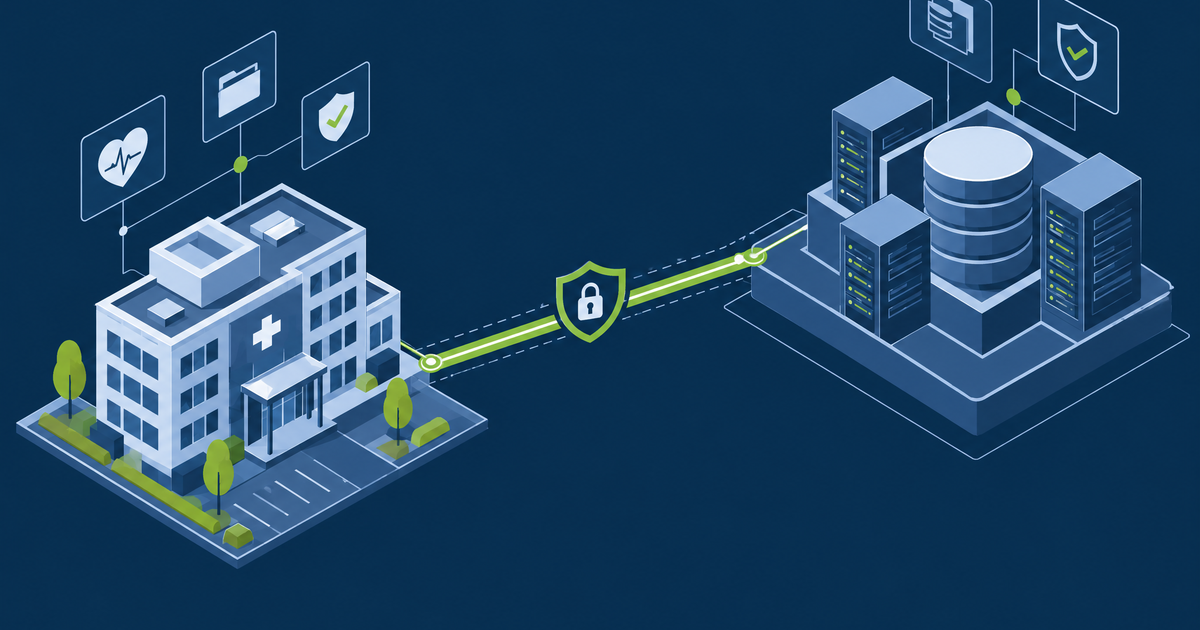
1. Network isolation. The highest-value control and the one requiring no change to the machine. The endpoint should reach exactly the hosts its application needs and nothing else — no internet, no peer workstations, no general file shares. Inbound should be equally restricted: administrative access only from a jump host.
2. Application allow-listing. A legacy clinical endpoint runs a fixed, known set of software. That makes it an unusually good candidate for allow-listing, which is impractical on a general-purpose desktop and very effective here. Nothing executes unless explicitly permitted, which defeats most commodity malware regardless of the unpatched vulnerability.
3. Credential hygiene. These machines frequently hold cached domain credentials and are often administered with a shared local password. Use unique local administrator passwords per machine, keep domain administrator accounts off them entirely, and disable credential caching where the application permits.
4. Removable media control. USB is a common infection route in clinical areas, particularly for instruments where data transfer is part of the workflow. Block by default, allow specific device IDs where required.
5. Monitoring. The compensating control for "cannot prevent" is "will detect". These endpoints have highly predictable behaviour, which makes anomaly detection unusually effective.
What not to bother with
- Antivirus alone. Signature detection on an unpatched platform against a targeted attacker is not a control. Keep it, do not rely on it.
- Waiting for the vendor. If a replacement is years out, containment cannot wait for it.
- Blanket firewall rules for the whole legacy VLAN. Too broad to help, and it becomes the exclusion an attacker benefits from.
Know what you have
Discovery is the prerequisite. Unsupported endpoints hide because they are not in the standard management tooling — that is often why they are unsupported.
- Passive network discovery, not just the endpoint management console
- Reconcile against the biomedical asset register
- Include instrument-attached PCs, which are frequently recorded as part of the instrument rather than as computers
- Record why each cannot be upgraded — vendor, application, hardware, or unknown
"Unknown" is a useful category. A meaningful share turn out to be upgradeable and were simply never touched.
Building the business case
Containment buys time; it does not remove the machine. Getting a replacement funded means translating the technical position into terms a finance committee recognises.
| Framing that fails | Framing that works |
|---|---|
| "It is running an unsupported OS" | "This instrument cannot be recovered if it fails; there is no vendor support and no spare" |
| "It has 40 critical vulnerabilities" | "If this is compromised, the affected clinical service stops for an estimated X hours" |
| "It is a security risk" | "Our cyber insurer asked about unsupported systems at renewal" |
| "We should replace it" | "Replacement is £X against a service interruption cost of £Y" |
The insurance angle is often the most effective. Insurers increasingly ask specifically about end-of-life systems, and an honest answer affects both premium and coverage. That turns an IT preference into a financial fact the organisation already tracks.
Sequence replacements by clinical criticality rather than by how old the operating system is. A ten-year-old machine running a non-critical reporting tool is a lower priority than a five-year-old one attached to a theatre instrument.
Where this fits
Containment is the compensating control that makes a documented risk acceptance defensible — see patch management for the acceptance process, and decommissioning legacy systems for retiring them properly once a replacement exists.
GuardsArm assesses legacy endpoint exposure in clinical environments and designs containment that does not need vendor cooperation. Book a scoping call.
Written by GuardsArm Team
Our team of cybersecurity experts brings decades of combined experience in penetration testing, compliance auditing, and incident response. We're dedicated to helping organizations strengthen their security posture.
Take the next step on this topic
Talk to the GuardsArm team about how these services apply to your environment.