
- SOC 2 Readiness
- 24/7 incident line
- Canadian security operations team
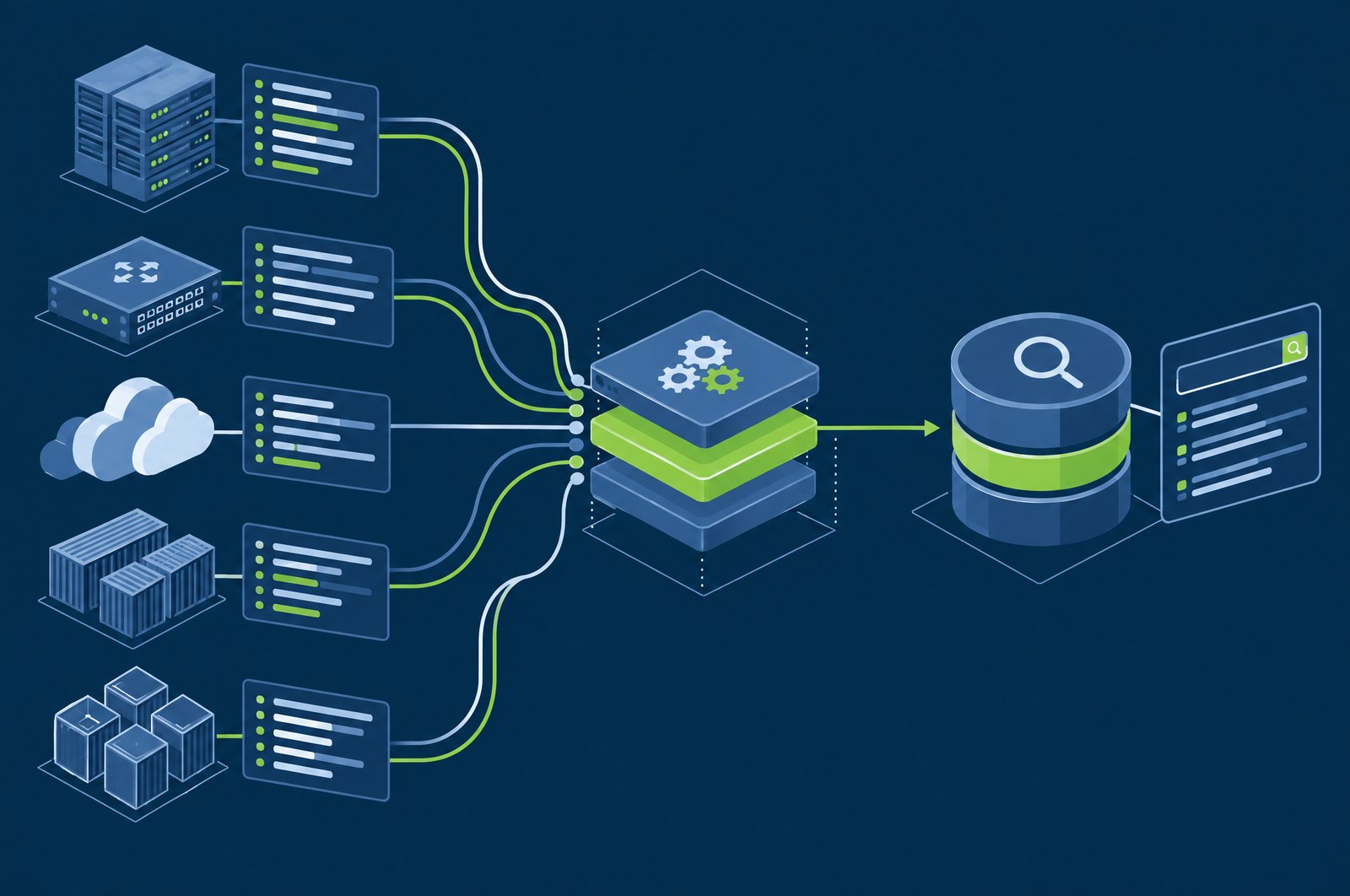
GuardsArm Platform
See the platform in action
Tell us a little about your environment and what you want to see. We will set up a walkthrough of the live console around it.
- A reply within one business dayWe confirm a time that suits you by email. There is no calendar to fight with.
- The live console, not slidesWe walk through the product itself, focused on the areas you tell us matter.
- Time with people who run itYou speak with the team that deploys and operates the platform.
What we can show you
Built around the areas you choose
SIEM and log analytics
XDR detection
Endpoint agents
Compliance
Console and dashboards
Multi-tenancy for MSPs
Every module the platform offers is listed in the form above, and on the platform overview. Select as many as you like; we will plan the time so each one gets a proper look.
How the demo works
You send the form
Tell us who you are, roughly how large your environment is and which areas you want to see.We reply to arrange a time
Within one business day, by email. If something in your request needs clarifying, we ask then so the session is not spent on basics.The live walkthrough
We work in the live console, following your list. Interrupt as often as you like; questions are the point.Next steps, if you want them
Afterwards we can discuss what deploying the platform in your environment would involve. There is no obligation to continue.
Getting the most from the session
A demo is far more useful when we can show the platform against something close to your own environment. None of this is required to send the form, but if you can share any of it beforehand, in the message box or on the reply, we will use it:
- Approximate number of servers, workstations and cloud workloads
- Operating systems in use, including any legacy or unsupported versions
- The log sources you most need covered: firewalls, identity, cloud, applications
- Compliance frameworks or regulators you answer to
- Where the platform would run: your data centre, private cloud or a public cloud tenancy
- The tools you use today and what you would like to replace
- Who would operate it: an internal team, an MSP, or both
- Any date you are working towards, such as a contract renewal or an audit
It also helps to bring the people who will live with the decision. A security or SOC lead will want to see investigation and detection; an infrastructure owner will want to understand what running the platform asks of them; a compliance owner will want to see how evidence is gathered and reported. One session can cover all three if we know in advance.
Platform or managed service?
This page is for the self-hosted GuardsArm platform: software your own team, or your managed service provider, deploys and operates. If what you need is people watching your environment around the clock, that is our managed service, and it is a different conversation.
For the managed route, see SOC as a Service or managed detection and response, and book a consultation instead. Not sure which fits? Send the demo request anyway and say so in the message; we will help you work it out.
Demo questions
Where does the platform run?
On infrastructure you control, whether that is your own data centre, a private cloud or your own public cloud tenancy. Your security data stays inside your perimeter rather than being sent to a vendor cloud.
Is the demo on real software or a recorded presentation?
Real software. We walk through the live console and focus on the areas you selected, rather than playing a recorded tour.
Which endpoints are supported?
Agents are available for Linux, Windows and ARM64 hosts. A macOS agent is on the roadmap but is not generally available yet, so tell us if Macs are a significant part of your estate and we will talk through how to plan for that.
Will you talk about pricing?
If you want to, yes. Pricing depends on your environment and how you intend to operate the platform, so it is easier to discuss once we understand both. Note that the platform is not metered per gigabyte of data collected.
We are a managed service provider. Is this relevant to us?
Yes. Select Multi-Tenancy / MSP in the form and we will show how client environments are kept separate and managed together.
What if I only want to see one module?
That is fine. Select just that one, or arrive from its product page so it is preselected, and the session will stay on it.